
AI for Small Business: A Visual Guide
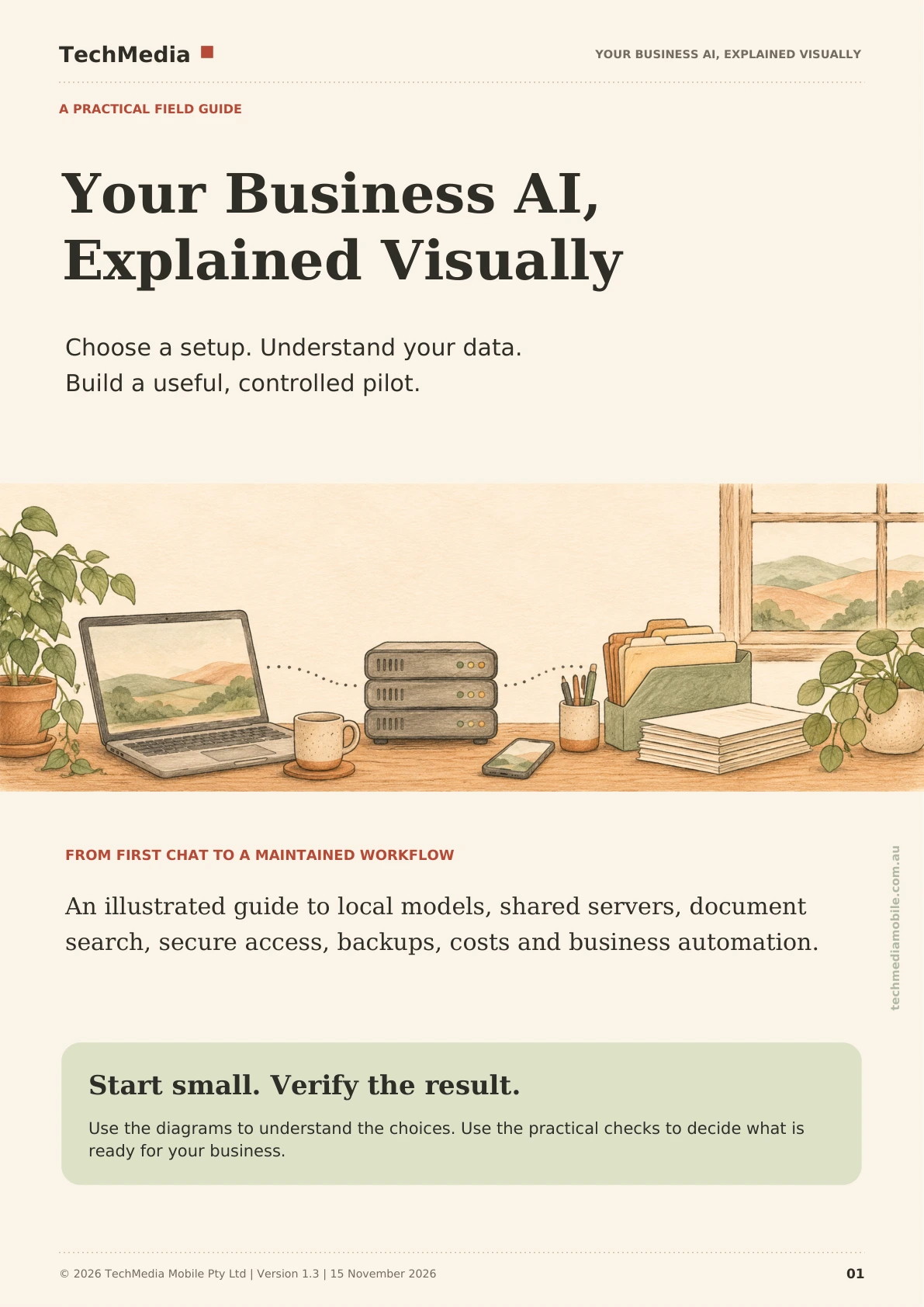
A 65-page illustrated guide that shows where AI actually runs, where your data is processed, what it costs to keep going, and how to run one controlled pilot you can check.
One payment. Instant PDF download. Australian GST included where applicable.
No account needed. The sample arrives by email.

Who the guide is for
Small business owners and the person who ends up supporting the computer. No AI background assumed.
You are deciding
You want to know whether AI is worth using in your business at all, and what it would cost in money and time before you commit to anything.
You keep things running
You look after the computers, the accounts and the backups. You need to know what runs where, what it needs, and what breaks when it stops.
You work in the business
You will use the result. You need plain language about what the system does with your documents and where the answers come from.
What the complete guide contains
Seven stages, each with a finish condition, so you know when a step is actually done. 65 pages, 59 illustrated topics and 81 links to official documentation.
- 1Choose your routeDefine one useful task, then choose where the application runs and where the model processes data.
- 2Match hardware to the jobSize memory, storage and graphics to the work you actually have, not to a benchmark.
- 3Install and test locallyRun a model on one computer, confirm it answers correctly, and learn what it cannot do.
- 4Share it from a serverCompare an office server with a hosted VPS, including access, backups and the cost shape of each.
- 5Use your own documentsExtraction, embeddings, versions, source-backed answers and a knowledge collection you can trust.
- 6Protect and recoverAccess control, updates, exposure, backups and a restoration test that you have actually run.
- 7Connect one workflowOne real business task, with human review and an acceptance checklist before you widen it.
Version 1.3, published 15 November 2026. Copyright TechMedia Mobile Pty Ltd. Sample chapter list and page counts are on the cover of the free sample.
Get the complete 65-page illustrated guide
Three routes, one honest comparison
The guide uses the same three labels from stage 1 to stage 7, so a decision you make early still means the same thing at the end.
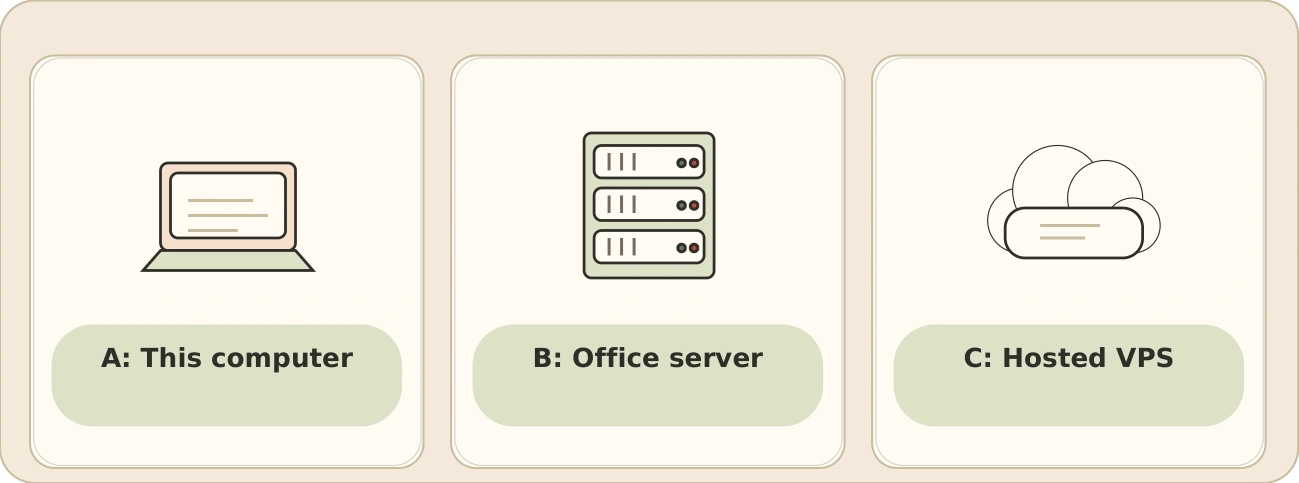
This computer
- Suits
- One person testing whether AI is useful, with no sharing requirement.
- You maintain
- The computer, the software and the model files.
- Cost shape
- Hardware you already own, plus time.
Office server
- Suits
- A few people who need the same service on your own premises.
- You maintain
- Hardware, software, access and backups.
- Cost shape
- One-off hardware plus ongoing care, no monthly rent.
Hosted VPS
- Suits
- Remote staff, or a site with no machine to spare.
- You maintain
- Software and access configuration, not the hardware.
- Cost shape
- Monthly rental plus backups, with graphics time billed hourly.
Cost examples in the guide are arithmetic, not supplier quotes. Prices change; the method for working them out does not.
Two decisions, not one
Where the application runs does not tell you where the model processes your data. The guide treats them as separate fields, because the answers rarely match, and every stage asks both questions.
| Route | Application host | Model processed there | Model processed elsewhere |
|---|---|---|---|
| A: This computer | Your own PC or laptop | A downloaded local model | An approved cloud model API |
| B: Office server | A machine at your premises | An office model runtime, prompts stay on site | A cloud API, which moves prompts off site |
| C: Hosted VPS | Rented infrastructure | A model runtime on the VPS itself | A cloud API or another host entirely |
Only the first design in each pair keeps your prompts on equipment you control. The interface looks identical either way, so the check is to trace where the request actually goes.
Preview the guide
Eight pages, no charge and no account. It covers the decisions most businesses get wrong before they buy anything.
- How to pick one useful task instead of a broad ambition.
- The three routes, compared on staffing, access and maintenance.
- Where the model processes your data, and why that is a separate question.
- How memory and storage shape what a machine can realistically run.
- A worked example of document search with source-backed answers.
- One automation example with human review built in.
The sample is an extract from version 1.3 of the complete guide. It is identical in design and wording to the full edition.
Email me the free sample
One email with a download link. No sequence, no follow-up unless you ask for it.
All 65 pages, seven stages and the checks
Everything in the sample plus installation, shared servers, document search, security, recovery and the automation workflow, each with its finish condition.
Price includes GST. Secure checkout by card through Stripe.
What you receive
- 65-page illustrated PDF, version 1.3.
- Seven stages with finish conditions and cost workings.
- 59 illustrated topics and 81 links to official documentation.
- Route comparison, hardware sizing and document search.
- Security, backup and restoration checks.
A$29 including GST. One payment, instant download link after checkout.
The setup recipes are documented examples. Test them in your own environment before relying on them.
Need help applying it?
TechMedia is a Sydney IT and AI support business. If you would rather not set this up yourself, we can assess your computers, choose a route with you and run the pilot with you. A free 30-minute consultation, no obligation.